Quick Start
Quick Start
Warning
It is strongly recommended to fully test in a staging environment before deploying to production. Please report any issues promptly.
1. Choose and download a version
| Release channel | Current version | When to choose it | Download |
|---|---|---|---|
| Stable | v1.3.24 | You prefer a stable release | GitHub download · Gitee download |
| Beta | v1.3.25-beta.8 | You want to try the latest features and fixes and help test them | GitHub download · Gitee download |
Choose either channel and download the package for your operating system and architecture. See Version Releases for beta changes and upgrade notes. Before upgrading an existing deployment, back up your configuration and data and verify the release in a staging environment.
Installing a specific beta
To use the beta listed above, download its package from the matching release page, extract it, and follow the platform instructions below. The Linux one-click installer below selects a version automatically and does not let you pin the beta tag shown above.
2. Quick Start
- install
curl -sSO https://update.samwaf.com/latest/install_samwaf.sh && bash install_samwaf.sh install- uninstall
curl -sSO https://update.samwaf.com/latest/install_samwaf.sh && bash install_samwaf.sh uninstall- Direct start:
SamWaf64.exe- As a service As Administration
//Install & Start
SamWaf64.exe install && SamWaf64.exe start

//Stop &  Uninstall
SamWaf64.exe stop && SamWaf64.exe uninstall
PS: Note that starting from version v1.3.7-beta.1, if your system is Windows Server 2008 R2, please download SamWaf64ForWin7Win8Win2008.exe to use.
For Linux Arm64 architecture, please download the corresponding file SamWaf_Linux_arm64.v*.tar.gz
./SamWafLinuxArm64 install && ./SamWafLinuxArm64 startImages are available on Docker Hub. The commands below use the stable channel, samwaf/samwaf (equivalent to :latest). To select the beta listed above, replace the image name with samwaf/samwaf:v1.3.25-beta.8. When upgrading, use the same tag in docker pull and docker run (or your Compose configuration).
Standard start (published ports)
docker run -d --name=samwaf-instance \
           --restart always \
           -p 26666:26666 \
           -p 80:80 \
           -p 443:443 \
           -v /path/to/your/conf:/app/conf \
           -v /path/to/your/data:/app/data \
           -v /path/to/your/logs:/app/logs \
           -v /path/to/your/ssl:/app/ssl \
           samwaf/samwaf
Replace the four mount paths with real directories on the host. They are used for:
| Directory | Description |
|---|---|
/app/conf | Holds the config.yml configuration file. |
/app/data | Database and data files (including initial_password.txt generated on a fresh install). |
/app/logs | Runtime logs. |
/app/ssl | SSL certificate files. |
If you want to use Firewall IP Block
Firewall IP Block drives the host's iptables, so the container needs extra privileges and network settings. Without them the feature is disabled in the UI with an "environment not supported" message:
docker run -d --name=samwaf-instance \
           --restart always \
           --cap-add=NET_ADMIN \
           --network host \
           -v /path/to/your/conf:/app/conf \
           -v /path/to/your/data:/app/data \
           -v /path/to/your/logs:/app/logs \
           -v /path/to/your/ssl:/app/ssl \
samwaf/samwaf--cap-add=NET_ADMIN: grants the container permission to modify iptables (the official image already ships with iptables — no need to install it yourself).--network host: shares the host network. Without it, block rules are written only into the container's own network namespace and have no effect on real traffic.
Note
With --network host you can no longer use -p port mappings; the container binds directly to the host's 26666 / 80 / 443 ports.
If you do not need Firewall IP Block, the standard start above is enough — every other feature (including the application-layer IP Blacklist) works either way.
How to upgrade
In a container, upgrade by updating the image. Do not use the in-app update in the admin console (it is disabled there and shows instructions instead): the binary lives in the image's writable layer, so an in-app update only applies to the current container. Once the container is recreated the binary rolls back to the version shipped in the image, while the database has already been migrated by the newer version and cannot roll back.
# deployed with docker compose
docker compose pull && docker compose up -d

# deployed with docker run
docker pull samwaf/samwaf
docker rm -f samwaf-instance && <run the docker run command above again>
The mounted conf / data / logs / ssl directories are not affected. See Common Issues - Upgrading in a Container (Docker).
:::
3. Start and Access
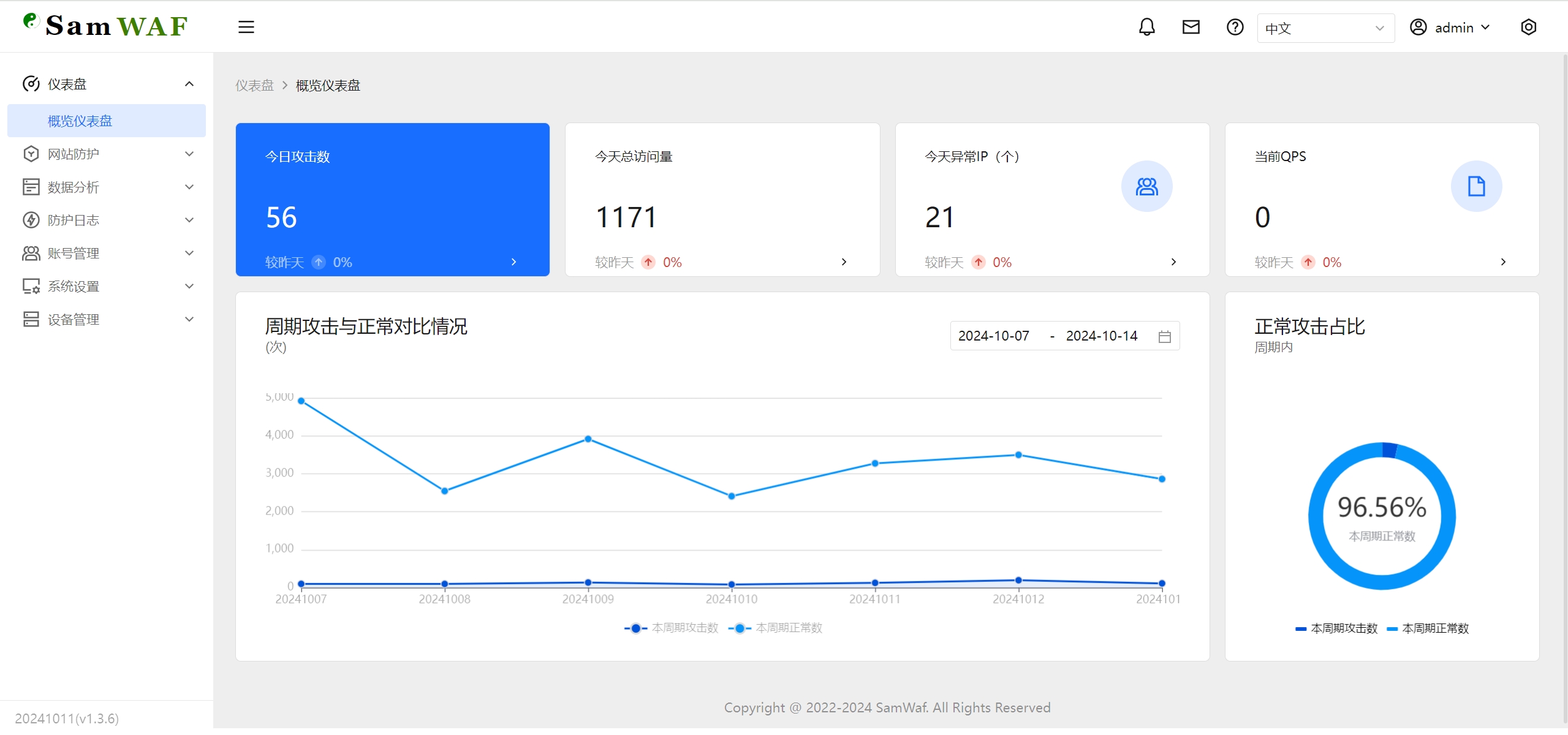
http://127.0.0.1:26666
Default username: admin
Default password: admin868
(Note: Please change the default password upon first login)
About the initial password
Since v1.3.21-beta.8 no longer use a fixed default password for a fresh install — they generate a random initial password written to data/initial_password.txt in the program directory (the startup log also shows a hint). If admin868 does not work, open that file to get the initial password. Either way, change the password immediately after first login.