
Sensitive Word Management
10/15/24About 1 min
Sensitive Word Management
Overview
Sensitive word detection inspects request or response content for specific sensitive words and handles them. The SamWaf firewall blocks content containing sensitive words, or replaces sensitive words in the response, helping with content compliance and preventing leakage of sensitive information.
Each sensitive word can have its own detection direction (Request / Response / All) and action (Deny / Replace).
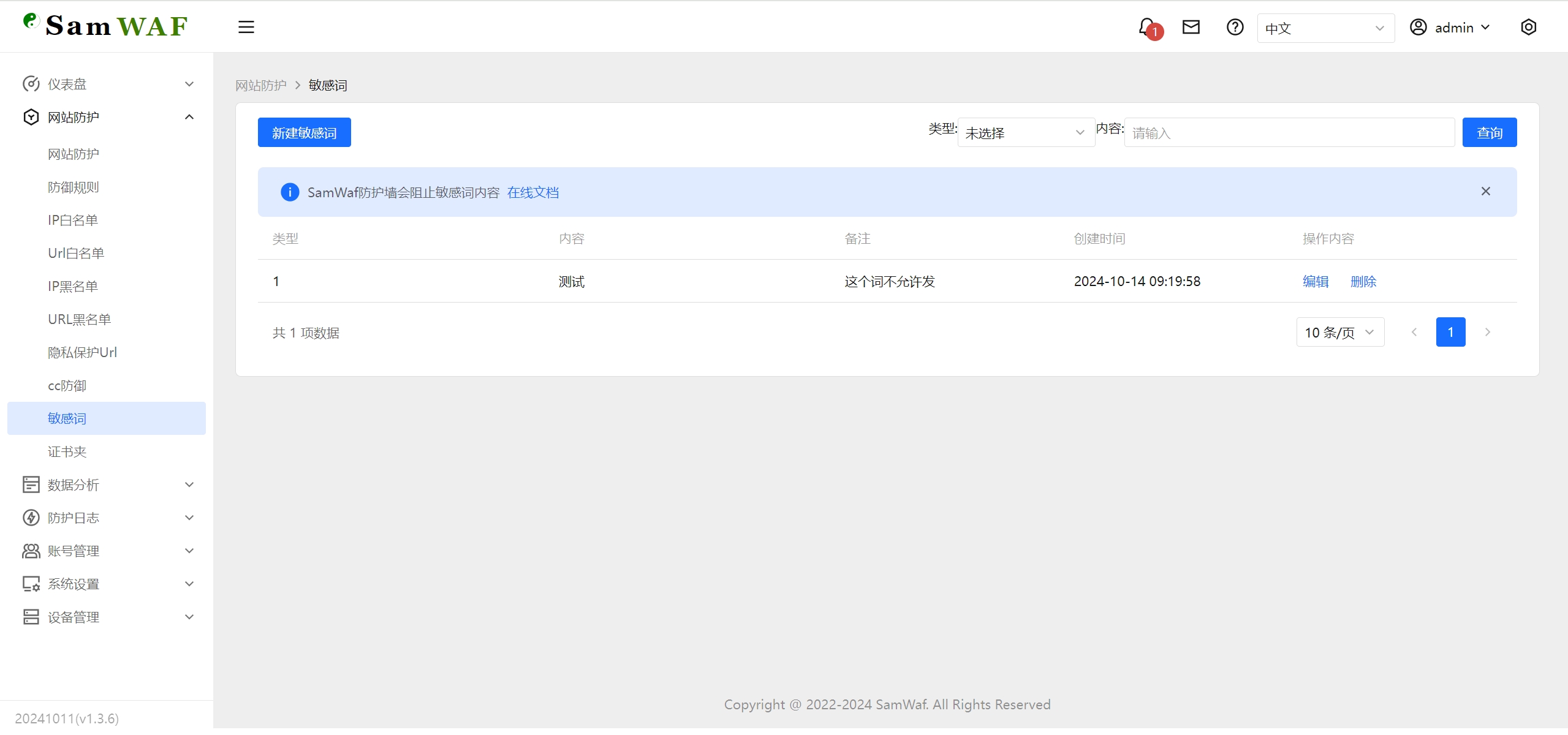
Steps
- Open the Sensitive Words page.
- Click the Add Sensitive Word button at the top left to open the dialog.
- Fill in the following:
- Enter the Content (the sensitive word to detect).
- Select the Detection Direction (Request / Response / All).
- Select the Action (Deny / Replace).
- Enter Remarks (optional).
- Click Confirm to save.
Use the Content filter above the list to search. Select multiple rows to use Batch Delete, or use Clear All to remove all sensitive word data at once.
Field Reference
| Field | Description |
|---|---|
| Content | The sensitive word text to detect. |
| Detection Direction | The detection scope: Request, Response, or All. |
| Action | How a match is handled: Deny or Replace. |
| Remarks | Custom note (optional). |
| Create Time | When the record was created (generated automatically). |
Detection Directions
- Request: inspects the request content sent from the client to the server.
- Response: inspects the response content returned from the server to the client.
- All: inspects both request and response content.
Actions
- Deny: blocks the access when a sensitive word is matched.
- Replace: replaces the matched sensitive word in the content (typically used to mask response content).
FAQ
- When should I use Replace? Use Replace when you do not want to block access outright but only hide sensitive words in the response. Use Deny when you need to block requests that contain sensitive words.
- Are sensitive words per website? Sensitive words are a global list, not per individual website. Use the detection direction and action to control their scope.